> ## Documentation Index
> Fetch the complete documentation index at: https://docs.zappl.co/llms.txt
> Use this file to discover all available pages before exploring further.
# Message Variables
> If you choose to customise the text on any of the info button popovers on scheduled update prompts, you can use variables to include important information such as deferrals remaining, configured grace periods etc as part of your custom message.
#### Formatting Options
| Syntax | Description |
| :----------------- | :------------------------------------------- |
| `##Heading` | Displays text as a **bold section heading**. |
| `**Example Text**` | Displays text in **bold**. |
| `\n\n` | Adds a paragraph break. |
#### Variable Reference
| Variable | Description |
| :------------- | :------------------------------------------------------------------------------------------------------------------------------------------------- |
| `updateButton` | Displays the update button label. |
| `deferButton` | Displays the defer button label. |
| `deferCount` | Displays the number of remaining deferrals the user is allowed. |
| `updateCount` | Displays the number of pending app updates. |
| `appName` | Displays the name of the app with a pending update. Intended for use when only one app has a pending update. |
| `appList` | Displays a comma-separated list of apps with pending updates. Intended for use when more than one app has a pending update. |
| `gracePeriod` | Displays the configured grace period. There is no requirement to specify minutes/hours after the variable — this is already included. |
#### Default Message
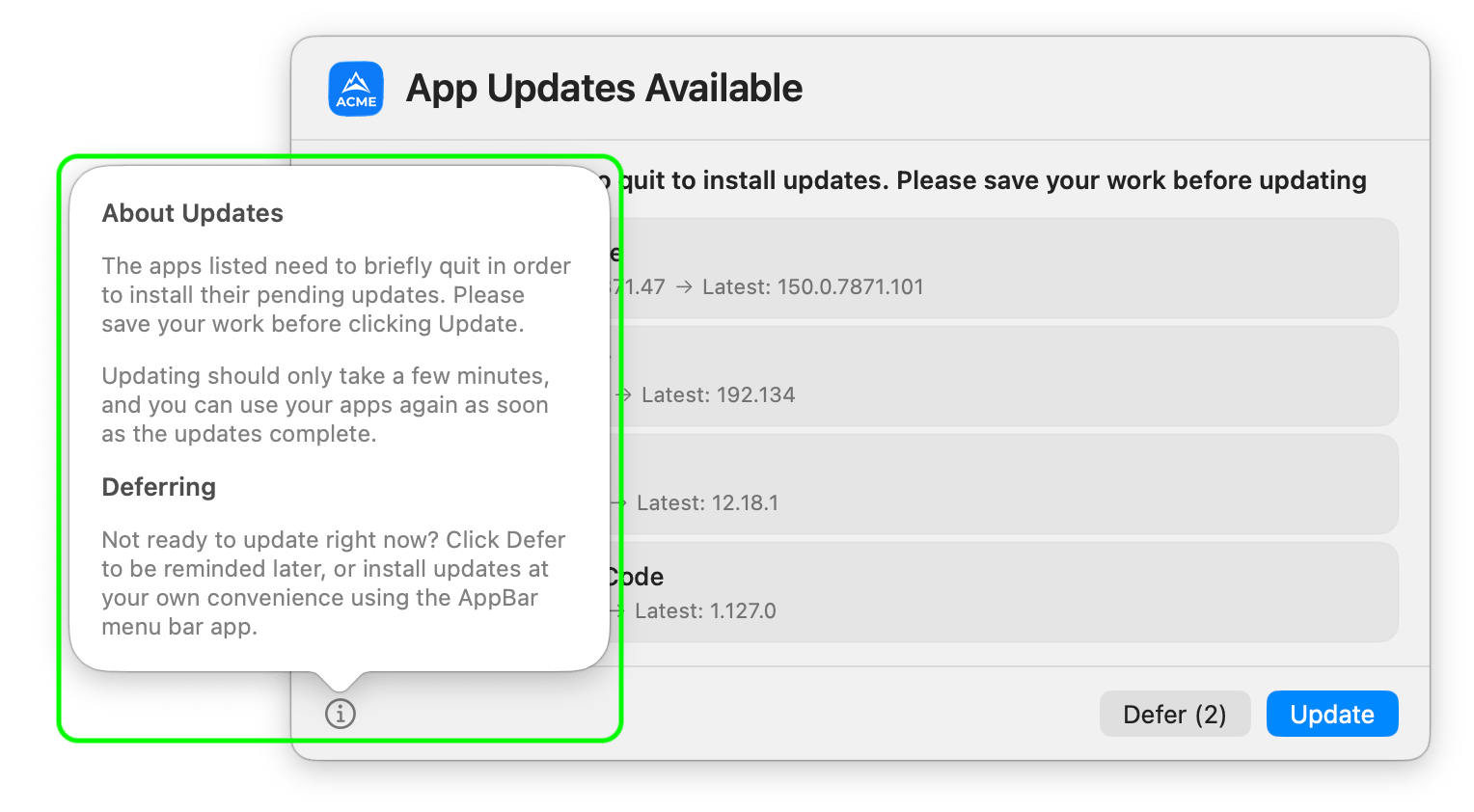
The following is the default info popover text used when no custom message is configured:
```
##About Updates\n\nThe apps listed need to briefly quit in order to install their pending updates. Please save your work before clicking Update.\n\nUpdating should only take a few minutes, and you can use your apps again as soon as the updates complete.\n\n##Deferring\n\nNot ready to update right now? Click Defer to be reminded later.
```
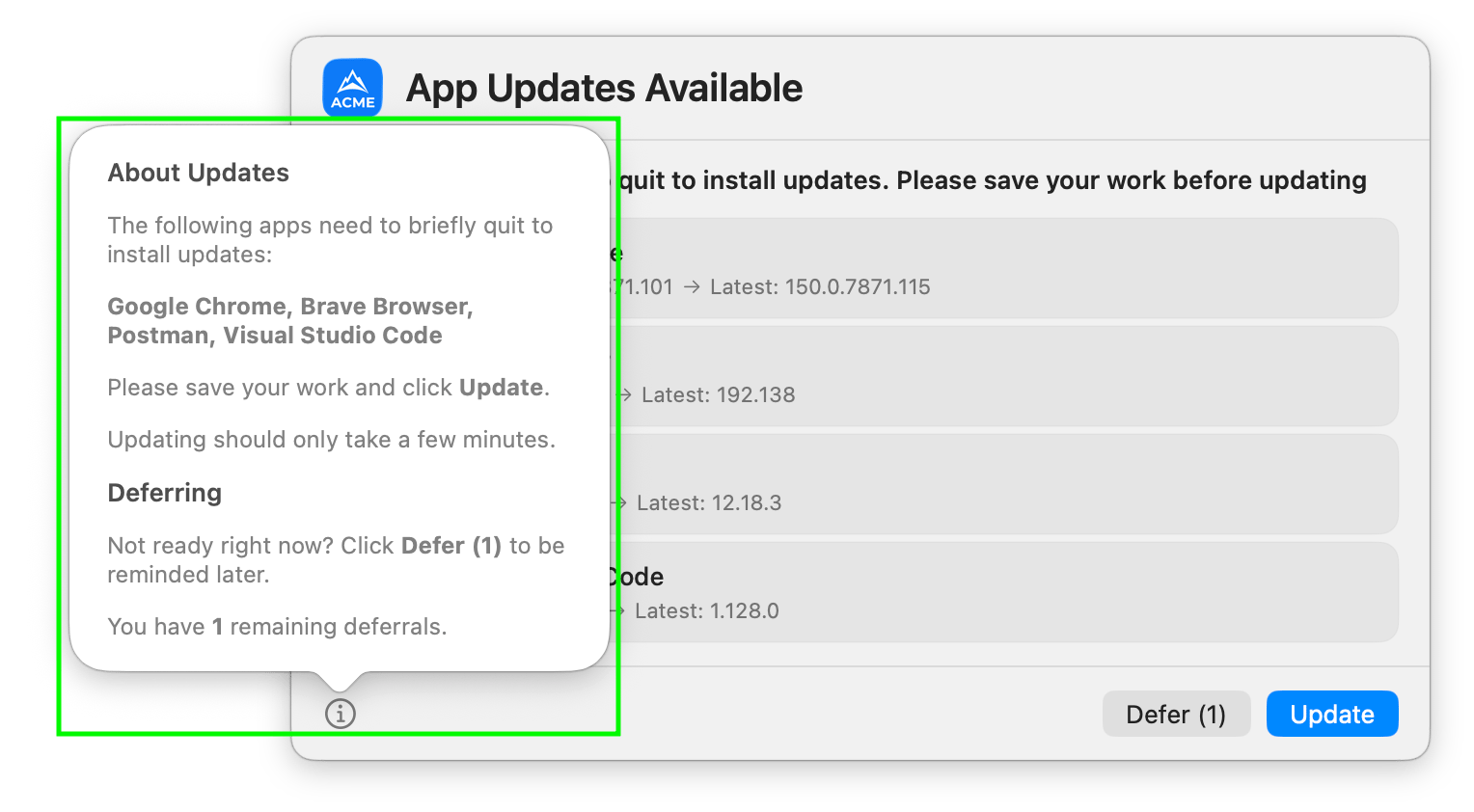
#### Example Custom Message
The example below uses variables to dynamically include the app list, button labels, and remaining deferral count:
```
##About Updates\n\nThe following apps need to briefly quit to install updates:\n\n**appList**\n\nPlease save your work and click **updateButton**.\n\nUpdating should only take a few minutes.\n\n##Deferring\n\nNot ready right now? Click **deferButton** to be reminded later.\n\nYou have **deferCount** remaining deferrals.
```